
Delta Force Cheats with ESP, Aimbot & Loot ESP
Delta Force access with configurable ESP, aim, loot, chams and FOV controls. Review the current feature list and setup requirements before checkout.
Product Overview


At a glance
Key capabilities
What Delta Force Cheats focuses on before you open the full module list.
Plus 9 additional modules in the operator portal. See the full list below.
Overview
One license for Delta Force on Windows
How modules, presets, and patch-day status checks fit PMC raid workflows.
Delta Force Cheats combines player and loot ESP, configurable aimbot controls, chams, radar, FOV controls, third-person view, and a config system for Operations and large-scale Warfare matches. The product page lists the current visual, aim, loot, and miscellaneous options.
The published setup requires Windows 10 or 11 on Intel or AMD with HVCI, Core Isolation, TPM, and Secure Boot enabled. Cloud DMA is required for full functionality. Confirm current availability before purchase or launch.
This license covers Delta Force with player ESP, loot ESP, aimbot, chams, FOV controls, third-person view, and configurable combat visuals. Cloud DMA is required for full functionality.
Tune before you queue
Review the current feature list and setup requirements before launch. Use the published configuration controls to adjust ESP, aim, loot, and visual settings.
Plans and delivery
Choose monthly ($35) or lifetime ($150) at checkout. Confirm the live product status and current setup requirements before every session.
Module layout
The published feature list groups player visuals, aimbot, loot visuals, chams, camera controls, and miscellaneous settings for Delta Force.
Modules
What's included
Every module and overlay shipped with Delta Force Cheats, toggle and tune in the operator portal.
- Player ESP with skeleton, box, distance, name, team, weapon, and health options
- Aimbot with FOV, smoothing, speed, stickiness, filters, and bone selection
- Two aimbot keybinds with visible checks and target controls
- Loot ESP with item name, rarity, price, and minimum price filter
- Player and AI corpse plus computer visual options
- Chams for player, AI, weapon, hands, and self
- Camera FOV changer and third-person view hotkey
- Arms and weapon scale offsets
- Config system and customizable combat-mode entity hiding
- Windows 10/11; Intel/AMD
- HVCI, Core Isolation, TPM, and Secure Boot requirements
- Cloud DMA required for full functionality
Experience
Loader layers · After checkout
Use the screenshots above for module layout; below is what each layer does and how portal access works after purchase.
In-game layers
- Layer A
Objective awareness
Urban objective gameplay with tactical markers and a focused aim view.
- Layer B
Player visual overlays
Combat scene showing player outlines, distance markers, and a configurable reticle.
- Layer C
Urban combat view
First-person urban combat scene with tactical markers and a configurable aim view.
- Layer D
Long-range engagement
A long-range urban engagement with a centered sight and distant target marker.
- Layer E
Squad combat
Squad combat through a damaged city with objective markers and tactical movement.
- Layer F
Combat through smoke
A smoke-filled combat scene with objective markers and limited visibility.
FAQ
Questions about this page
Answers tied to what you are reading. Visit the FAQ page for every topic.
Blog
Related guides
Filter by topic to find setup guides, feature explainers, and update notes.
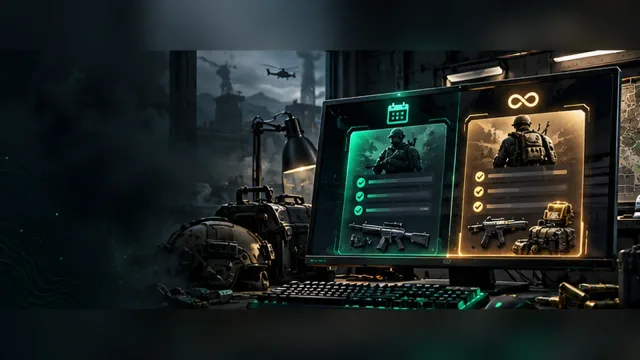
Compare the published monthly and lifetime Delta Force cheat plans, the included feature groups, and the setup checks to make before checkout.
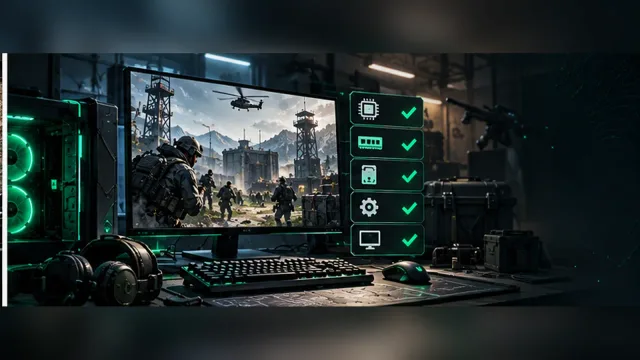
A practical Delta Force cheat setup checklist covering Windows, firmware security settings, Cloud DMA, and the product status check.
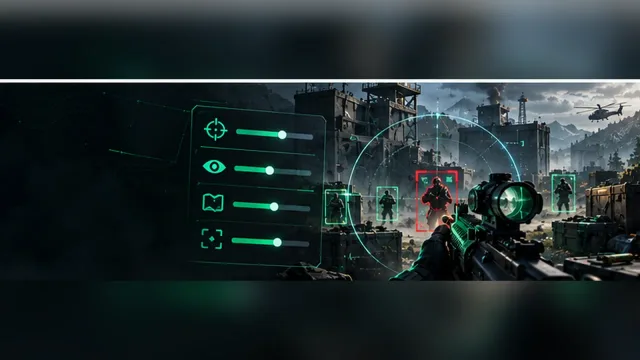
Understand the main Delta Force aimbot, player ESP, loot ESP, and visual controls listed on the current product page.
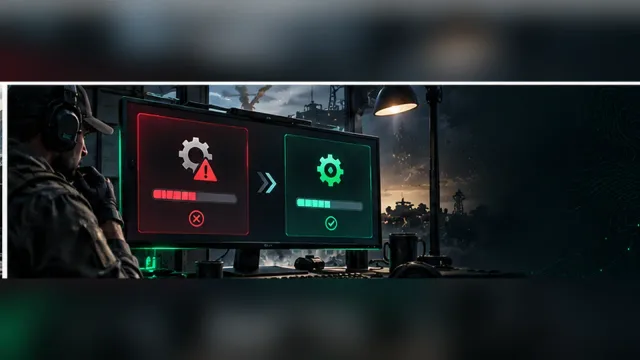
A focused troubleshooting path for Delta Force cheat issues after a game or Windows update, with checks ordered from fastest to most useful.
A practical Operations loot workflow using item, rarity, price, distance, corpse, and computer filters to keep the screen readable.
Delta Force community forum
Read discussion
Archived, read-only threads on loader setup, loot ESP, patch status, and HWID bans. Replies are closed.
- Buying Questions Delta Force cheat monthly or lifetime, what makes sense? Players compare the published monthly and lifetime plans before choosing a duration.
- Setup Help Delta Force cheat setup on Windows 11: which settings matter? A setup question about Windows 11, firmware security, and the first launch checklist.
- Status and Updates Delta Force cheat stopped after the patch. Status or local setup? A troubleshooting thread sorts out product status, Windows changes, and configuration issues after a patch.
- Status and Updates Should I check Delta Force cheat status before buying? A short status discussion explains why availability and game updates should be checked before a purchase.